How to Prepare for Building a Website: A Complete Client Checklist
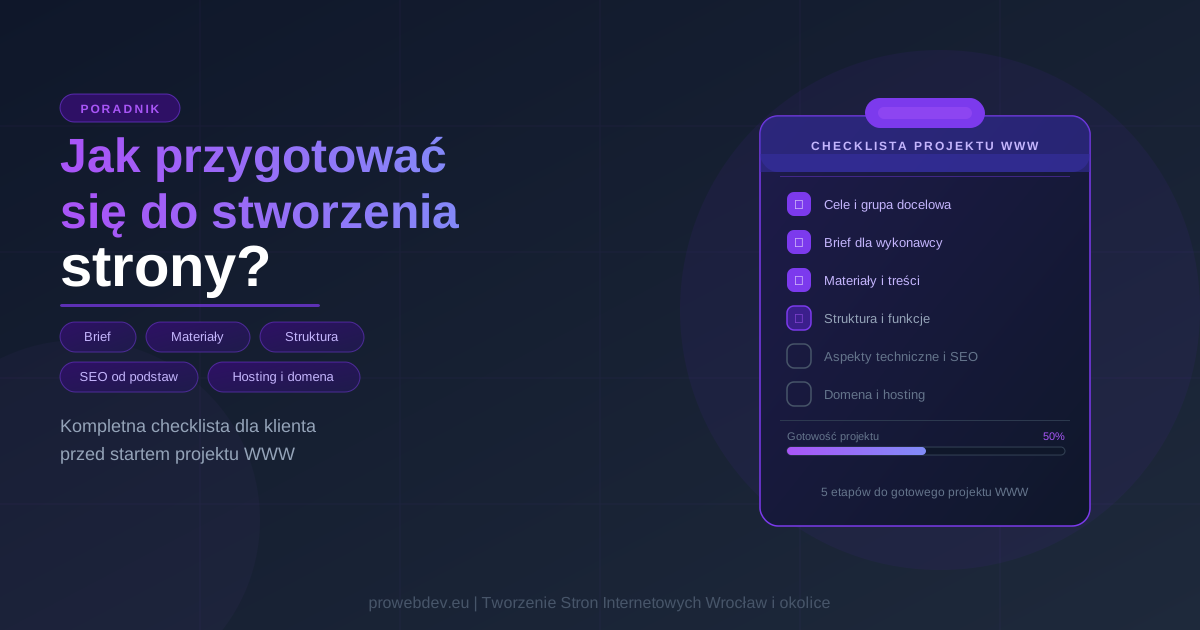
Why Solid Preparation Is the Foundation of a Successful Web Project
Preparing for a website build is a step that determines half the outcome of the whole project. Many clients treat it as a formality and come to a developer with nothing more than 'I need a website' – no materials ready, no clear structure, no defined goal. Then they wonder why the project drags on and costs more than they expected.
Web development is a collaboration between client and developer. The developer handles code, design, and technical implementation. But nobody can provide the knowledge about your business, your customers, and your goals except you. Here are five stages to work through before your first conversation with a developer.
Stage 1: Defining Goals and Your Target Audience
What Do You Need Your Website to Do? – Business Goals
Before you think about colours and animations, answer one question: what is this website supposed to do? 'Look good' is not a goal. A goal is a concrete, measurable result: generating enquiries, selling products through an online store, taking bookings, building brand credibility, attracting new staff.
Websites for businesses serve very different purposes, and that purpose shapes everything: technology choices (WordPress, React/Next.js, custom build), feature scope, content structure, and budget. A one-page brochure site for a local tradesperson is a completely different project from an e-commerce platform with hundreds of products and a payment system.
Write your goal in one sentence. 'I want customers in the Wrocław area to find me on Google and contact me through a form' or 'I want to sell online courses without a middleman.' That sentence will be your reference point throughout the project and will help you avoid features that add cost without adding value.
Who Will Use Your Website? – Customer Profile
Your website does not exist in a vacuum. Someone will land on it, read a few lines, and decide whether to stay or leave. To tip that decision in your favour more often, you need to know who you are talking to.
Describe your ideal customer: age, location, level of familiarity with your industry, what they are looking for, what terms they type into Google. This information feeds directly into content, UX/UI design, SEO structure, and the overall tone of the site. A business serving the local Żórawina area targets a very different customer from a national service – and that distinction belongs in your brief from the start.
If you have several customer segments, describe two or three, not ten. The more diffuse the persona, the weaker the project outcome and any subsequent online marketing efforts.
Stage 2: Writing a Brief – How to Give Your Developer a Clear Picture
What Should a Good Brief Include? – The Essential Elements
A website brief is the document that lets a developer understand your business without a week of phone calls. A well-written brief saves time on both sides and significantly reduces the risk of misunderstandings during the build.
- ✓Company description and industry (what you do, how long you have been operating, what sets you apart from competitors)
- ✓Website goal (as defined above – one clear sentence)
- ✓Target customer profile
- ✓Required features (contact form, blog, online store, booking system, payments)
- ✓Examples of websites you like, with a brief note on what specifically appeals to you about each
- ✓Competitor websites
- ✓Preferred technology, if you have a preference
- ✓Budget and timeline
Many clients skip the last point. That is a mistake. Any web developer you approach needs to know what budget they are working with. Website pricing varies enormously depending on scope, so without this information it is very hard to propose something that genuinely fits your situation.
A Simple Brief Template to Get You Started
You do not need to write an essay. A straightforward text document with a few sections is enough:
Filling this in takes 30 minutes. It will save you several rounds of emails and gives a developer a solid starting point for preparing a quote.
Stage 3: Gathering Content and Materials – What You Need to Provide
Text, Photos, Graphics – What Materials Are Essential?
Missing materials are the most common reason projects get delayed. The build is ready, the developer is waiting for content from the client. Weeks go by. Then the client asks why the site still is not live.
Prepare in advance: your logo in vector format (SVG or AI, not JPEG), high-resolution photos (your own rather than stock wherever possible), certificates or testimonials you want to feature, and text describing your business and each service individually.
If you do not have professional photos, book a photography session before the project starts. A site with genuine, authentic images consistently outperforms the same design using stock photography. You see it in the analytics every time.
How to Prepare SEO-Friendly Content – The Basics
Website content cannot be written 'by feel'. Each page should have one clear target keyword and text written with a specific group of readers in mind.
Before writing, research what your customers actually search for. Tools like Google Search Console (once the site is live) or free keyword research tools will show you real queries. If you serve the Wrocław area or a local market, make sure to target local phrases, not just generic national terms.
Each service page should have a unique text of at least 300 words, a proper heading structure (H1/H2/H3), and a meta title and meta description. Write for people, but keep in mind that getting SEO right from day one costs a fraction of what a full SEO audit and content rewrite costs later.
Stage 4: Site Structure and Features – Designing for Usability
Sitemap and Information Architecture – A Logical Layout
A sitemap is a list of all pages and their hierarchy. A wireframe is a rough sketch of how an individual page is laid out: where the navigation goes, where the heading sits, where content appears. Both are worth having at least roughly thought through before the project starts.
For a typical service business, a sitemap looks like this: Home, About, Services (with individual pages for each service), Blog (optional), Contact. An online store additionally needs product categories, product pages, a cart, checkout, and a customer account area.
Think carefully about whether you need a blog. It is not a decoration. Regular articles build organic traffic and allow you to rank for long-tail phrases that service pages alone cannot target. But if you do not have the time or resources to publish consistently, do not start a blog for the sake of it.
Required Features (Forms, Integrations) – What Is Actually Essential?
List the features you must have for the site to fulfil its goal. Not what would be 'nice to have someday', but what is essential from day one.
A contact form with email notification is standard. But you may also need CRM integration, an appointment booking system, online payments, product variants in a store, or a multilingual setup. Each of these features has a real impact on the final cost. The 'must have' list needs to be specific.
Multilingual support is a decision that gets made at the architecture stage, not after launch. Adding a second language after the site is live costs significantly more. If you are thinking about international markets, say so from the start.
Stage 5: Technical Aspects and SEO – What to Sort Out Before You Start
Choosing a Domain and Hosting – The Infrastructure Basics
Your domain name should be short, readable, and aligned with your business name or industry. Check availability for a few variants and register multiple extensions (.pl, .com) straight away, so nobody else can register a similar name once your site starts gaining visibility.
Hosting has a direct impact on page load speed, and speed affects both SEO and conversion. A budget shared hosting plan works fine for a small brochure site at the start. An online store with steady traffic needs a better environment. Ask your developer for a specific recommendation matched to your project.
If the project is based on WordPress, the server needs to support PHP 8.2+ and include an SSL certificate. Without SSL, browsers display a 'Not secure' warning that puts visitors off and harms your search rankings.
Basic SEO Optimisation Before Launch – First Steps
A site's SEO structure is built from the start, not retrofitted after launch. URLs should be descriptive and include relevant keywords (e.g. /services/wordpress-website, not /page?id=42). The H1 heading on each page must clearly tell visitors what that page is about. Meta titles and meta descriptions are written for people reading search results, not for bots.
Responsive design is a non-negotiable standard today. Google indexes the mobile version of a site and uses it to evaluate the whole thing. A developer should deliver a responsive build as a matter of course, but check it on your own phone when you sign off the project.
Alt text on images is a small detail that has a real effect on how images are indexed and how accessible the site is for people using screen readers. It is worth keeping this in mind when you are preparing your image files.
Ready to Start? – Your Project Success Checklist
Good preparation for building a website will not eliminate every surprise along the way. But a project with clearly defined goals, ready materials, and a thought-through structure starts faster, costs less, and ends in frustration far less often – for everyone involved.
Before you send your first enquiry to a developer, check that you have:
- ✓Your website goal written down in one concrete sentence
- ✓A customer profile description (two or three personas at most)
- ✓A completed brief with inspiration links, a feature list, and a budget
- ✓Materials gathered: vector logo, photos, text – or a plan for how you will provide them
- ✓A sitemap listing all pages and required features
- ✓A domain registered and a hosting plan chosen
If you want to learn more about how web development works in practice, have a look at the other articles on this blog. You will find a comparison of website builders versus custom builds, a guide to WordPress pricing, and advice on what ongoing WordPress maintenance involves after launch.